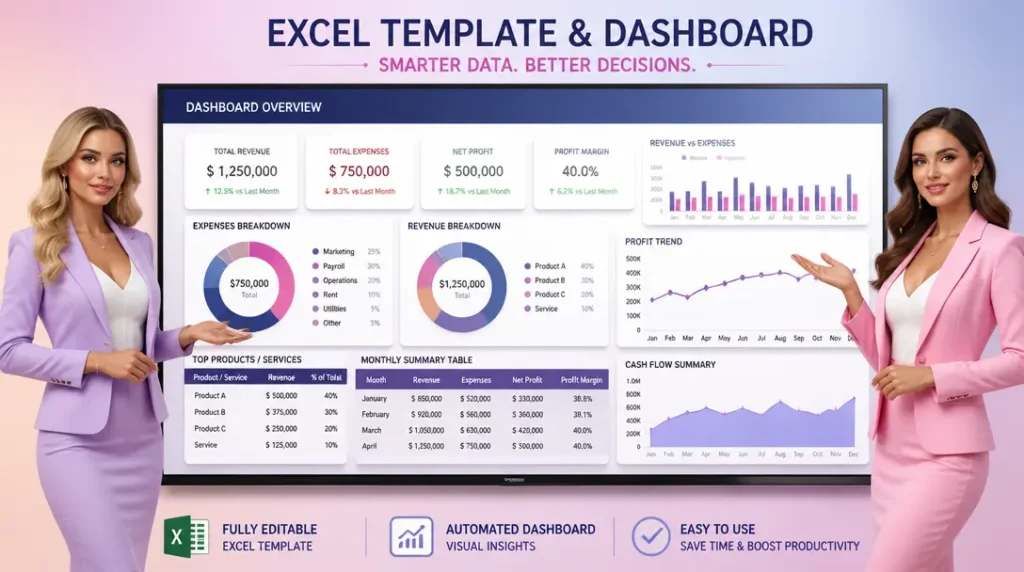

GST Invoice Template Excel – Automatic GST Invoice Generator
Enter your business, customer and product details once and generate GST invoices in Excel with automatic tax classification, GST calculations and a print-ready invoice.
Create GST Invoices Faster with Automatic CGST, SGST & IGST Calculation
GST Invoice Template Excel designed for practical business invoicing, with linked customer and product information, HSN/SAC details and a structured workflow for calculating applicable GST. Enter the required transaction details, review the tax treatment, and prepare a professional invoice without repeatedly entering the same information.
The Key Features of this template is as follows;

Automatic GST Calculation
Calculate applicable GST amounts with less manual work.
Customer & Product Masters
Store frequently used details and reuse them across invoices.
CGST, SGST & IGST
Handle applicable GST components based on transaction details.
Print-Ready Invoice
Prepare a professional invoice for printing or PDF saving.

What is a GST Invoice Template Excel?
A GST Invoice Template Excel is a structured Excel workbook used to prepare GST invoices by entering business, customer and product or service information and calculating applicable GST amounts.
Review the Place of Supply
Before issuing an invoice, verify the Place of Supply and applicable GST treatment for the transaction.
How the GST Invoice Generator Works
Create a GST invoice through a simple four-step workflow. Enter your information once, review the transaction details, and use the linked invoice sheet to prepare the final invoice.
Business & Customer
Enter your business information and select the customer for the invoice.
Products & Services
Add items with quantity, price, HSN/SAC and applicable GST information.
GST Calculation
Review the applicable CGST, SGST/UTGST or IGST calculation.
Generate Invoice
Review the linked invoice and prepare a professional, print-ready document.

See the GST Invoice Excel Template in Action
Explore the key parts of the workbook and see how your business details, customer information, products and GST calculations come together to create a professional invoice.

Enter & Manage Data
Set up business details, customer information, products or services, HSN/SAC and GST information.
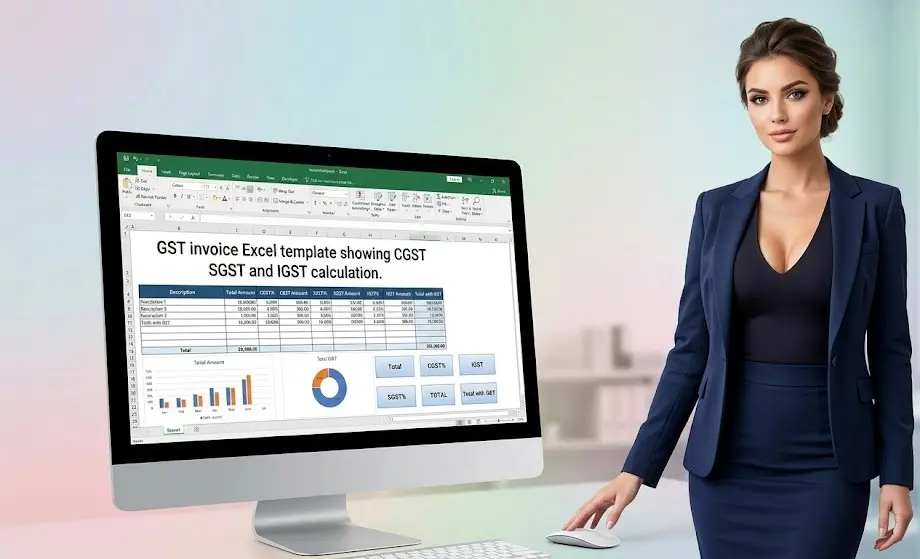
Review GST Calculation
Check taxable values and applicable CGST, SGST/UTGST or IGST before generating the invoice.
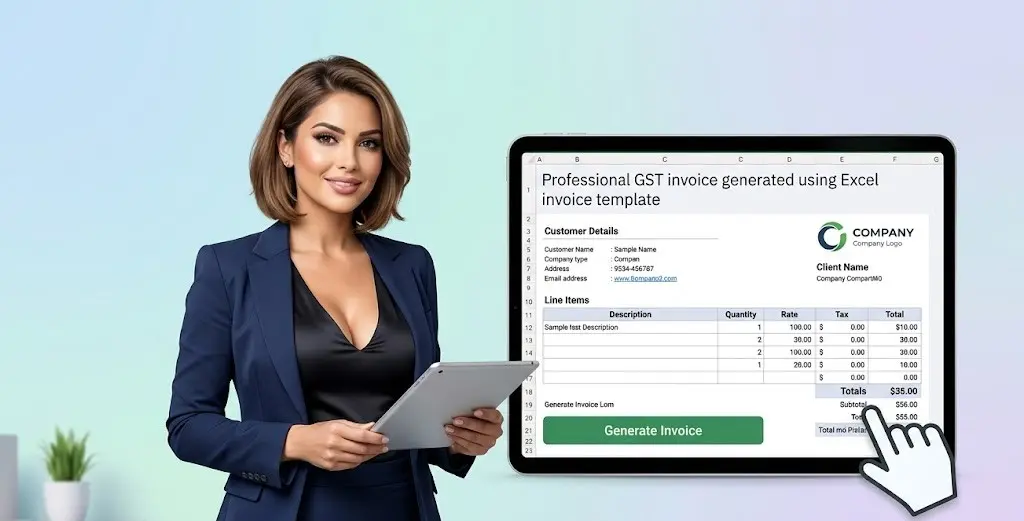
Generate the Invoice
Your entered information flows into a structured, professional and print-ready GST invoice.
Ready to start invoicing? Download the editable Excel template and set up your invoice workflow.
Download Free TemplateAutomatic CGST, SGST & IGST Calculation in Excel
The template helps calculate applicable GST components based on the transaction details entered. Review the Place of Supply and transaction type to determine whether CGST + SGST/UTGST or IGST applies.
CGST + SGST/UTGST
For applicable intra-state transactions, the GST amount is presented through the relevant CGST and SGST/UTGST components.
IGST
For applicable inter-state transactions, the GST amount is calculated and presented as IGST.
Applicable Tax Rate
Use the GST rate maintained for the relevant product or service when preparing the invoice.
For a ₹10,000 taxable supply subject to 18% GST where CGST + SGST applies, the calculation is ₹900 CGST + ₹900 SGST, resulting in a ₹11,800 invoice value.
How to Create a GST Invoice in Excel
Creating a GST invoice in Excel becomes easier when business, customer and product information is organized in a structured workbook. Follow these steps to prepare an invoice using the GST Invoice Excel Template.
Set Up Business Details
Enter your business name, GSTIN, address, contact details and other required information.
Add Customer Details
Enter or select the customer’s name, GSTIN, billing details and Place of Supply.
Add Products or Services
Select the item and enter quantity, rate, HSN/SAC and applicable GST rate.
Review GST Calculation
Check the taxable value and applicable CGST, SGST/UTGST or IGST amounts.
Review & Generate Invoice
Check invoice details, tax amounts and totals before printing or saving the invoice as PDF.
Don’t rely only on the automatic calculation. Always verify the GST rate, HSN/SAC, Place of Supply and tax treatment before issuing an invoice.
GST Invoice Template Excel vs GST Billing Software
Both options can help with invoicing, but they suit different business needs. Compare the key differences before choosing an invoicing workflow.
| Feature | GST Invoice Excel Template | GST Billing Software |
|---|---|---|
| Cost | Free / low cost | Usually subscription-based |
| Setup | Simple Excel workbook | Software setup required |
| Customization | Highly editable | Depends on the software |
| Internet | Can work offline | Often cloud-based |
| Invoice Creation | Manual input with linked formulas | Automated software workflow |
| Data Management | Excel-based | Built-in database |
| Best For | Simple and flexible invoicing | Businesses needing broader automation |

How to Use the GST Invoice Excel Template
This GST Invoice Excel Template is designed to make recurring invoice preparation easier by keeping business, customer, product and invoice information organized in one workbook. Enter the required information in the input and master sheets, select the relevant transaction details, and let the linked invoice sheet present the information in a structured format. The workbook can be reused for multiple invoices while keeping the invoice preparation process consistent.
Follow these steps to create a GST invoice in Excel:
Step 1: Enter Your Business Details
Add your business name, address, GSTIN, contact information and other relevant details in the designated input section.
Step 2: Add Customer Information
Enter or select the customer’s name, address, GSTIN where applicable and Place of Supply.
Step 3: Add Products or Services
Select the relevant product or service and enter the quantity, rate, HSN/SAC and applicable GST rate.

Step 4: Review GST Calculation
Check the taxable value and applicable CGST, SGST/UTGST or IGST amounts generated from the transaction details.
Step 5: Generate and Review the Invoice
Review the invoice number, date, customer details, item details, tax amounts and total invoice value before printing or saving the completed invoice as PDF.
Ready to Create Your Next GST Invoice?
Once the workbook is set up, you can reuse the same structure for recurring invoicing and update the relevant transaction details for each new invoice.

Download the GST Invoice Template Excel
Create professional GST invoices with a structured Excel workflow for customer details, products, HSN/SAC and CGST, SGST/UTGST and IGST calculations.
↓ Download Free GST Invoice TemplateGST Invoice Template Excel – Frequently Asked Questions
Find quick answers to common questions about using the GST Invoice Excel Template for preparing and reviewing GST invoices.
Is this GST Invoice Template Excel free?
Yes. The template is available as a downloadable Excel workbook that can be edited and reused for invoice preparation.
Does the Excel GST invoice template calculate CGST and SGST automatically?
The workbook is designed to calculate applicable CGST and SGST/UTGST based on the transaction information entered in the template.
Can the GST invoice template calculate IGST?
Yes. The template includes an IGST calculation workflow for applicable inter-state transactions based on the transaction details entered.
Can I customize the GST Invoice Excel Template?
Yes. The Excel workbook is editable, allowing you to update business information, customer details, products, services and other relevant invoice information.
Does the template include HSN/SAC and GST rates?
Yes. The workbook provides fields for HSN/SAC and applicable GST rates as part of the product or service information.
Can I save the GST invoice as a PDF?
Yes. After reviewing the completed invoice in Excel, you can use Excel’s print or export options to save the invoice as a PDF.
Can I use this GST Invoice Template for recurring invoices?
Yes. You can reuse the workbook for recurring invoicing by updating the relevant customer, product, transaction and invoice details for each new invoice.
Is this GST Invoice Excel Template a replacement for accounting software?
No. It is an Excel-based invoicing tool designed for preparing GST invoices. It does not replace complete accounting, tax compliance or business management software.


Explore More Excel Templates for Finance & Business
Build a more efficient finance and business workflow with our growing collection of free Excel templates, financial models and financial analysis tools. Each resource is designed around practical use cases, helping you organize financial data, perform calculations, analyze business performance and support informed decision-making.
Explore ready-to-use tools covering financial statements, ratio analysis, project finance, budgeting, forecasting, cash flow management, loan analysis, investment evaluation and business planning. Whether you are preparing financial analysis, evaluating an investment or building a business model, these Excel resources provide a structured starting point that you can customize to your requirements.
SME Financial Excel Templates & Utilities
- ROI Excel Template (Free Download) – Financial Model
- SME Financial Dashboard Excel Template (Free KPI Tracker)
- Free Financial Model Excel Template -Track Your Business KPI
- 13 Week Cash Flow Forecast Excel Template – Track Cash Weekly
- Free Startup MIS Dashboard Excel Template with KPI Dashboard
- Budget vs Actual Excel Template (Free Download) for SMEs
- Accounts Receivable and Payable Tracker Excel Template – Free
- Payroll Salary Register Excel Template (Free Download)
- Bid Evaluation Financial Model Excel Template (Free Download)
- BESS Financial Model Excel Template – Free Project Finance Model
- Free DSCR Debt Sculpting Excel Template | Project Finance Model
- Inventory Management Excel Template – Free Download
- Break Even Analysis Excel Template – Free Excel Download
- Monthly Financial Statement Excel Template with Ratios
- Financial Ratio Analysis Excel Template – 28+ Ratios
- Vendor Financial Due Diligence Excel Template | Risk Assessment
- Working Capital Calculator Excel Template – Free Download

Stay Updated with New Financial Excel Templates & Tools
Disclaimer
This GST Invoice Excel Template is provided for educational, administrative and invoicing purposes only. The template uses user-entered business, customer, product or service and transaction information to prepare and present GST invoices and calculate applicable CGST, SGST/UTGST or IGST based on the information entered. Actual GST treatment may vary depending on the nature of the supply, applicable GST rates, Place of Supply, taxpayer status, transaction circumstances and changes in applicable tax laws or regulations.
GST calculations, invoice formats and other information generated by the template are provided for general invoicing and planning purposes only and should not be considered a substitute for applicable GST laws, rules, notifications or professional advice. Users should independently verify the GSTIN, HSN/SAC, GST rate, Place of Supply, tax treatment, invoice details, formulas and calculated amounts before issuing an invoice. The template does not constitute tax, legal, accounting or professional advice, and users remain responsible for ensuring that their invoices comply with applicable GST requirements.