

Create Perfect AI Image Prompts in Seconds
Use our AI Image Prompt Builder (Lite) to generate clean, structured prompts for Midjourney, Gemini, and Stable Diffusion — ideal for ads, thumbnails, product images, and website visuals.
Why Structured AI Image Prompts Matter
Creating high-quality visuals with AI starts with writing a clear image prompt. Modern tools like Midjourney, Gemini, and Stable Diffusion rely on detailed prompts to understand the subject, style, composition, and visual intent of the image. This AI image prompt generator helps you quickly structure prompts by defining key elements such as the scene, visual style, aspect ratio, and negative prompts. Use the builder below to create optimized AI image prompts for marketing visuals, product images, thumbnails, and creative projects.
Image Prompt Builder (Lite)
Quick prompts for Gemini / Midjourney / SD. Keep it simple—fill the top row, open “Advanced” only if needed.
Advanced (optional)
What Is an AI Image Prompt in AI Image Generation?
An AI image prompt is a text description used to instruct an AI model to generate an image. Modern AI image generation tools such as Midjourney, Gemini, and Stable Diffusion rely on prompts to understand what type of image to create, including the subject, style, composition, lighting, and visual details.
A clear and structured prompt helps the AI produce more accurate and visually appealing results. For example, instead of writing a simple prompt like “a dog”, a detailed prompt might describe the scene, artistic style, camera angle, and mood of the image.
Using a structured AI image prompt builder or prompt generator helps users create better prompts quickly and improves the overall quality of AI-generated images.
How an AI Image Prompt Builder or Prompt Generator Works
By combining these elements, the tool generates a clear and descriptive AI image prompt that AI models can interpret more accurately. This improves the chances of producing high-quality AI-generated images with better composition, style consistency, and fewer visual artifacts.
Using an AI image prompt generator also saves time and helps beginners write prompts that follow common prompt-engineering best practices.
How to Use the AI Image Prompt Builder (Step-by-Step)
Using the AI Image Prompt Builder is simple and helps you create clear, structured prompts for AI image generation tools like Midjourney, Grok, Gemini, and Stable Diffusion. Writing effective prompts is essential for getting high-quality results from modern AI image generators, because the prompt tells the model what type of image to create, including the subject, visual style, composition, and overall mood.
Instead of guessing how to write a prompt, this tool guides you through the key elements used in AI prompt engineering, allowing you to generate optimized prompts for marketing visuals, social media graphics, product images, thumbnails, and creative design projects. Simply enter your inputs below and the builder will generate a ready-to-use AI image prompt that can be copied directly into your preferred AI image tool.
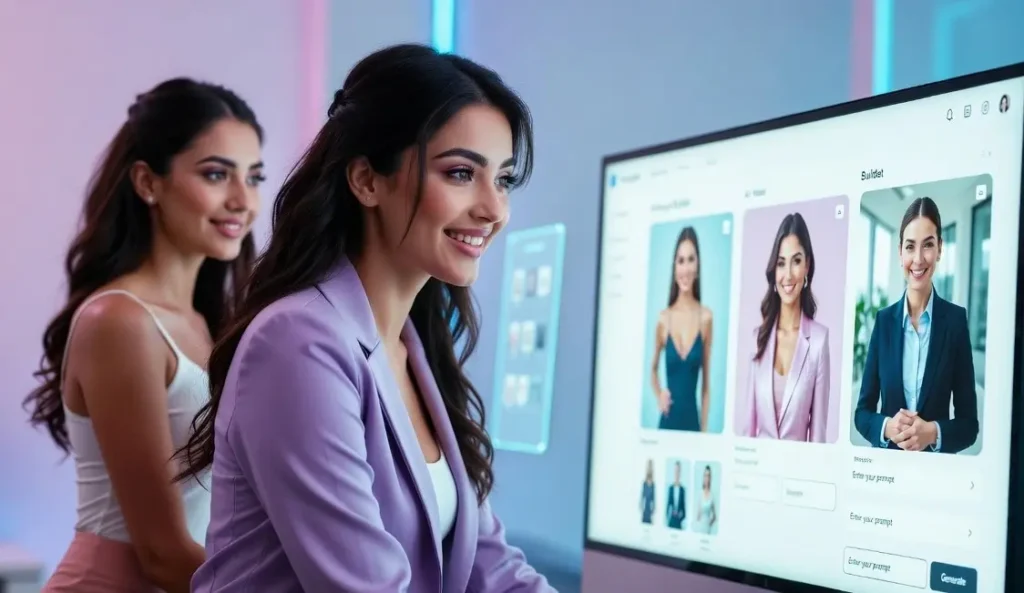
Enter the subject or scene
Describe the main object or action you want the AI to generate.
Choose the purpose
Select whether the image is for ads, thumbnails, product images, or website visuals.
Select the visual style
Options like photorealistic, illustration, studio product, or cinematic help guide the AI model.
Set the aspect ratio
Choose formats such as 1:1, 16:9, or 9:16 depending on where the image will be used.
Add negative prompts
Define elements to avoid, such as text artifacts, watermarks, or distorted features.
After entering these details, the tool generates a ready-to-use AI image prompt that can be copied and used directly in Midjourney, Gemini, Stable Diffusion, or other AI image generators.
AI Prompt Writing Guide
Key Elements of an Effective AI Image Prompt
A well-written AI image prompt combines several important elements that help the model understand what type of image to generate. Including these details improves the quality, accuracy, and visual consistency of AI-generated images created with tools like Midjourney, Gemini, and Stable Diffusion. Below these elements makes your AI image prompts more precise, helping image generation models produce cleaner and more visually appealing results.
Clearly describe the main object, person, or environment you want to generate. A specific subject helps the AI model focus on the correct visual concept.
Define the artistic style such as photorealistic, cinematic, illustration, digital art, or studio product photography
Adding details like close-up, wide shot, top-down view, or rule of thirds can improve how the scene is framed.
Specify lighting conditions such as soft lighting, dramatic lighting, golden hour, or studio lighting to influence the atmosphere.
Negative prompts help avoid common AI artifacts such as extra fingers, distorted faces, watermarks, or blurry edges.
AI Image Prompt Examples for Midjourney, Gemini, and Stable Diffusion
Seeing real examples is one of the easiest ways to understand how to write effective AI image prompts. The examples below show how structured prompts can guide image generation models such as Midjourney, Gemini, and Stable Diffusion to produce high-quality and visually consistent results.
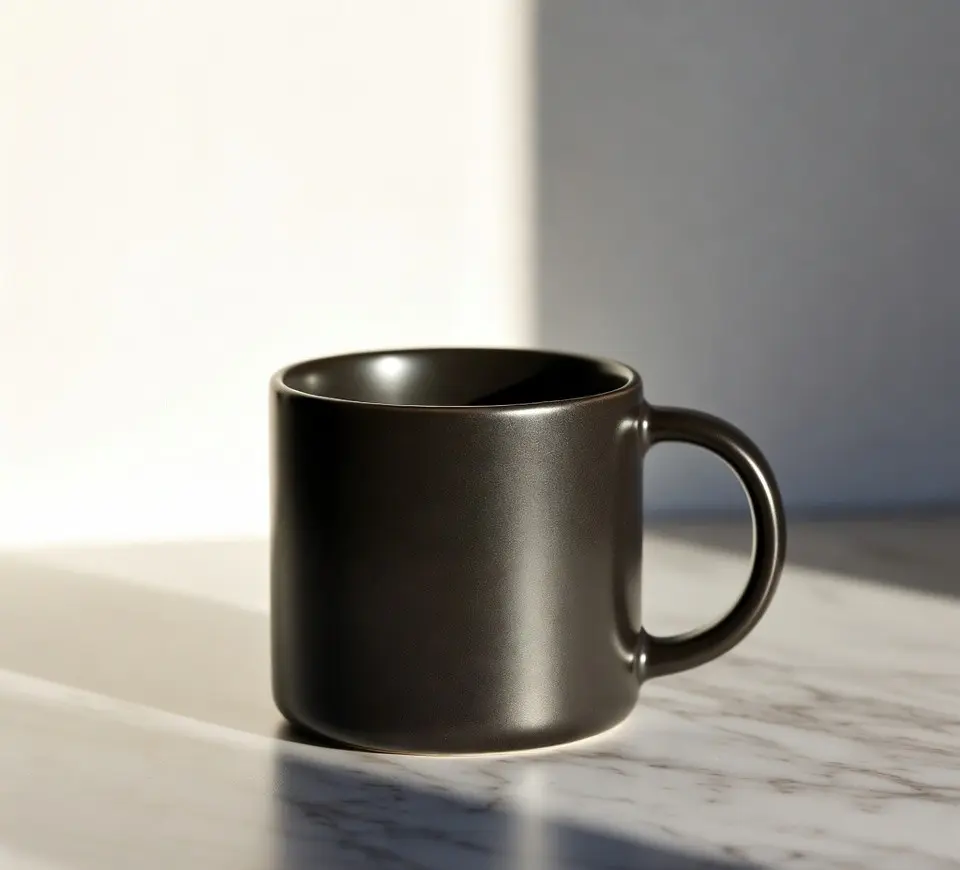
Product Photography Prompt
Minimalist studio product photo of a matte black coffee mug on a marble countertop, soft studio lighting, shallow depth of field, ultra-realistic photography, clean background, high detail, 1:1 aspect ratio.

Lifestyle Scene Prompt
Young professional women working on a laptop in a modern café, natural window light, warm tones, cinematic photography style, realistic people, shallow depth of field, lifestyle photography.

Illustration Style Prompt
Colorful flat vector illustration of a digital marketing team collaborating around a laptop, modern design style, clean shapes, vibrant color palette, minimal shadows.
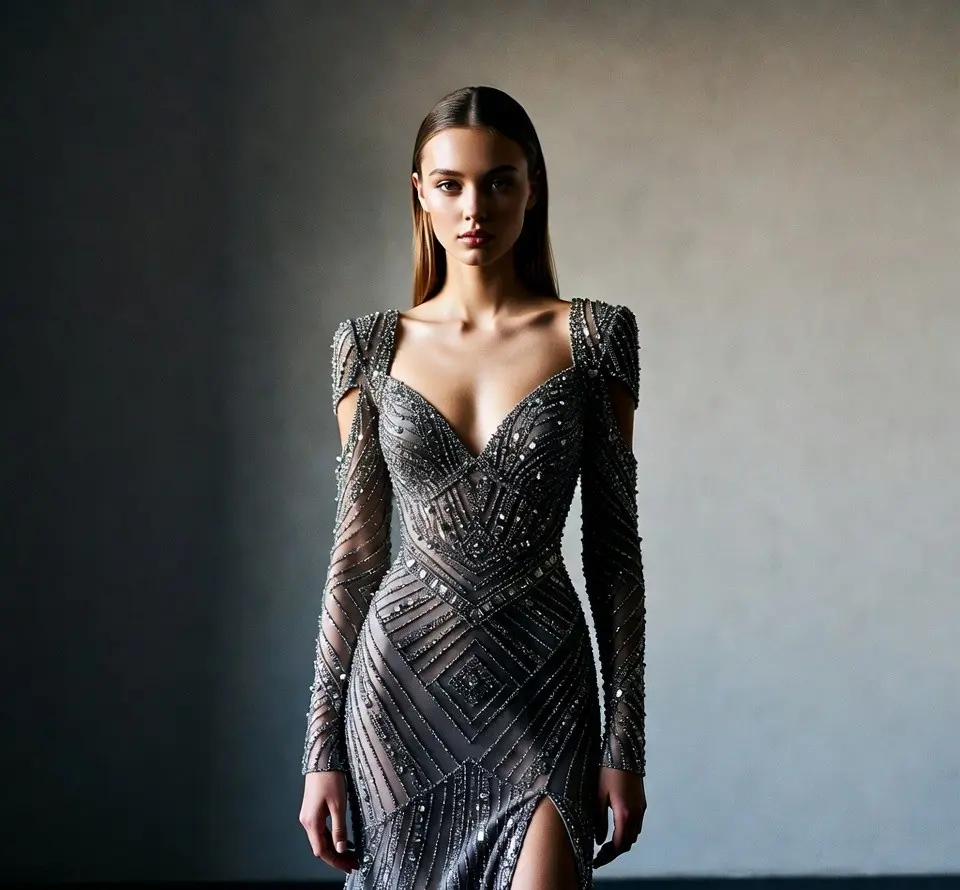
Fashion / Portrait Prompt
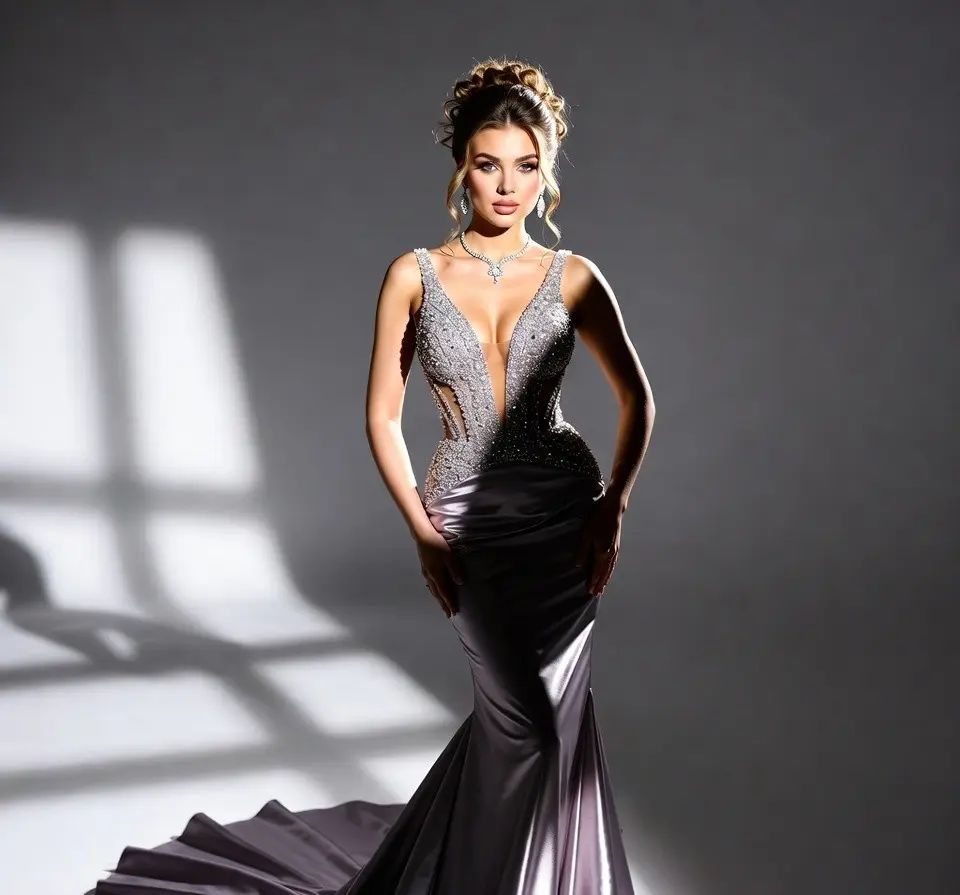
Elegant fashion portrait of a woman wearing a modern evening dress, soft studio lighting, high-end fashion photography style, detailed fabric texture, shallow depth of field.
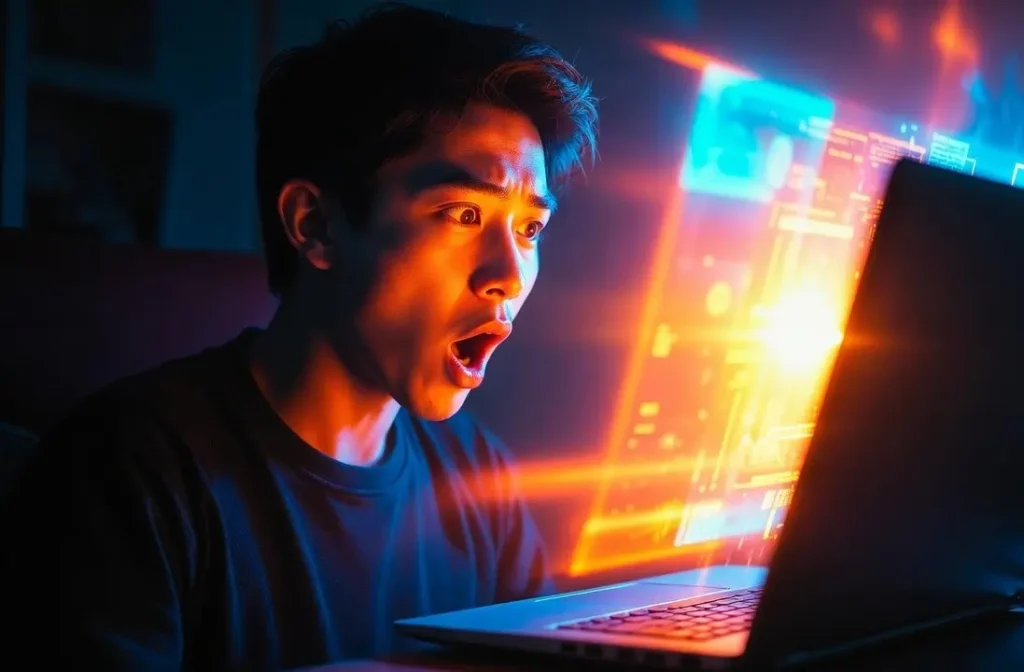
Social Media Thumbnail Prompt
Dynamic YouTube thumbnail style image of a surprised creator looking at glowing AI graphics on a laptop screen, vibrant lighting, high contrast colors, modern tech theme, 16:9 aspect ratio.
Explore More AI Tools, Prompt Generators, and Free Resources
You can also explore other AI tools, prompt engineering tools, and business templates available on CamsRoy, along with additional online utilities and calculators from the Toolsuite tool hub. These resources help creators, marketers, and professionals generate better prompts, automate tasks, and improve digital productivity.



Free AI Tools Hub
Browse a collection of AI-powered tools and prompt generators designed to help you create better prompts for AI writing, AI image generation, and productivity workflows.
Prompt Engineering Tools Hub
Explore a collection of AI prompt engineering tools and prompt generators designed to help you create better prompts for AI writing, AI image generation, and automation workflows.

Frequently Asked Questions About AI Image Prompts
Get New Tools and Templates
Subscribe to receive updates on free AI tools, prompt engineering tools, and templates.