

Free Resume Score Checker — ATS Resume Checker & JD Keyword Match
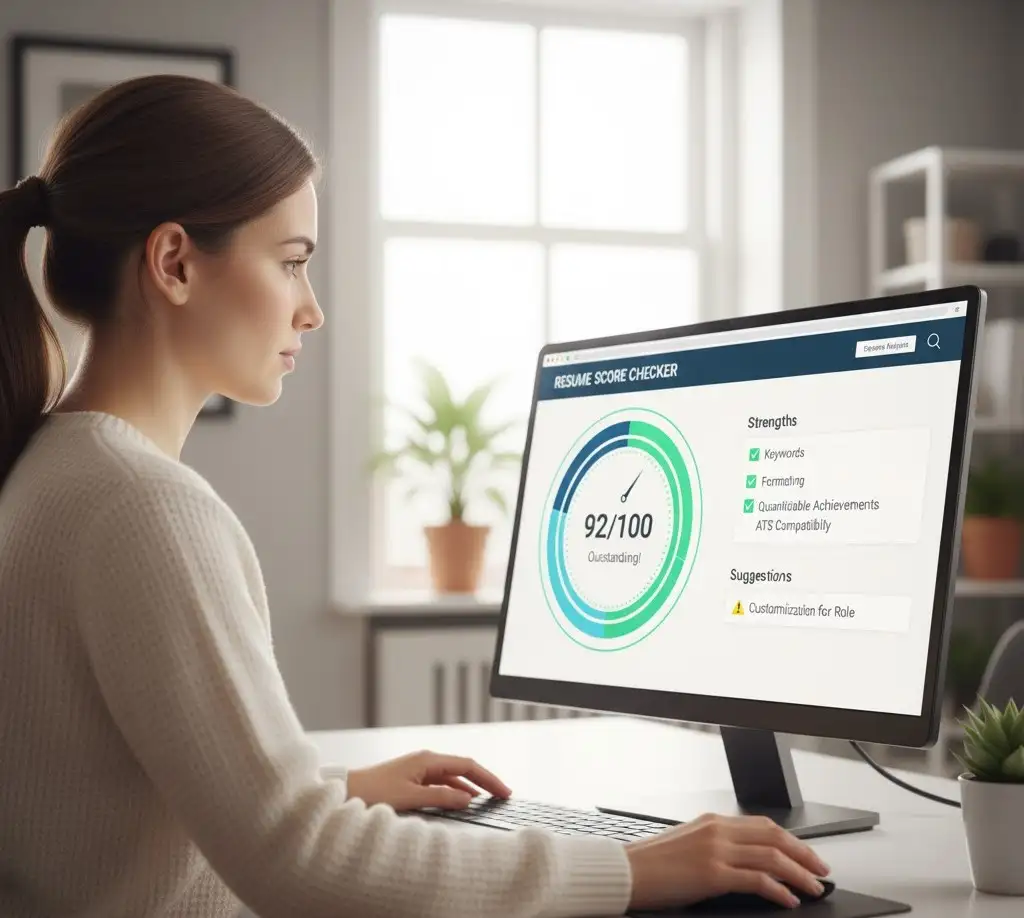
Looking for a quick, reliable way to improve your resume? This free resume Score checker gives you a 0–100 score and step-by-step fixes. It functions as an ATS resume checker, runs a resume keyword match against the Job Description using a built-in JD keyword checker, and evaluates resume readability so hiring teams can skim your achievements fast. Upload your PDF/DOCX or paste text—everything runs locally in your browser for privacy. Use these resume improvement tips below to boost your score and conversions.
Do You want more ? Please explore our Tools Hub Directory.
Resume Score Checker
Paste your resume or upload a PDF/DOCX. Optionally paste a Job Description for ATS match. All checks run locally in your browser.
Privacy: Files are read via the browser File API; no upload occurs.
What this Resume Score Checker does
Hiring teams and Applicant Tracking Systems (ATS) skim applications in seconds. This resume score checker gives you a clear, numbers-driven snapshot of where you stand and how to improve quickly. It behaves like an ATS resume checker by analyzing structure, headings, and keyword relevance, then runs a resume keyword match against the Job Description using a built-in JD keyword checker. You’ll also get resume readability metrics (Flesch and grade level) so your achievements are easy to scan on desktop and mobile. The output isn’t just a score; you get a prioritized to-do list so you can make fast edits that actually move the needle.
How to use the tool (3 quick steps)
- Paste or upload your resume as PDF/DOCX.
- Optional: paste the JD to compute the resume keyword match and see the top missing keywords.
- Click Score Resume to get a 0–100 score, a category breakdown, and resume improvement tips. You can also download a one-page report for quick editing.
What we check (scoring breakdown)
- Structure: We look for the essentials—Experience, Education, Skills, and Projects/Certifications—and whether they’re clearly labeled and skimmable.
- Contact/Header: Presence of email, phone, and at least one professional link (LinkedIn/GitHub/portfolio).
- Quantification: Use of numbers, %, ₹, users, time saved, and other metrics that prove outcomes—not just duties.
- Action Verbs & Bullets: Bullets that start with strong verbs (Led, Built, Optimized) and stay within 1–2 lines.
- Readability & Length: Target 350–800 words with Flesch 60–75 and grade ≤8–10 for easy scanning.
- ATS Keyword Match: Overlap between your resume and the JD; we list the key missing terms to add naturally.
- Chronology & Gaps: Reverse-chronological ordering and sensible continuity; large gaps should have brief, honest context.
Resume improvement tips to lift your score fast
- Mirror the JD: Add relevant keywords naturally in Skills and your most recent role—don’t dump a list.
- Quantify outcomes: Replace tasks with results: “Automated GST reconciliations, cut TAT by 35%.”
- Use strong verbs: Led, Built, Implemented, Reduced, Improved—avoid “responsible for.”
- Tighten bullets: 1–2 lines each; keep paragraphs rare for better resume readability.
- Order matters: Put your latest role first; keep each section clean and scannable.
- Stay ATS-safe: Avoid tables/columns/graphics; use standard headings and common fonts.
Privacy & limits
Your file is parsed client-side (pdf.js & mammoth.js). No uploads, no storage, no tracking.
This ATS resume checker highlights structure, readability, and keyword relevance. It doesn’t judge visual design or guarantee a shortlist—use it to polish and tailor quickly for each application.
Beat the ATS. — Score now
FAQs
Q1) Is this tool free?
Yes. It’s a free resume checker focused on ATS best practices—everything runs in your browser.
Q2) Do I need to paste a Job Description?
No, but adding a JD enables the resume keyword match and lists missing keywords via the JD keyword checker.
Q3) What file types are supported?
PDF and DOCX (Word). Legacy .DOC isn’t supported—please save as DOCX or PDF.
Q4) What score should I aim for?
70+ is a strong, ATS-friendly resume. You can usually gain 10–20 points by adding metrics and aligning with JD keywords.
Q5) Will the tool keep or share my data?
No. Files are processed locally via the browser File API—nothing leaves your device.